Logbook for programs
Logbook tracks coding time on a teen’s own computer, decides which minutes count, and lets your program check that result. This guide is for the people who run a program and the developers who connect it.
What your program gets
Section titled “What your program gets”- Counted hours, not raw editor time. The agent on the teen’s computer counts a minute only when someone was at the keyboard or an AI agent they started was working. Idle time is cut. See What counts for the rules teens see.
- The same API as Hackatime. The calls programs already make (
authenticated/me,users/{id}/stats,trust_factorand the rest) answer in Hackatime’s shapes. Most programs switch by changing a base URL and registering a new OAuth app. - Submissions with evidence. A teen sends a project’s hours to your program. Logbook re-checks every minute on its server against signed logs from the teen’s device, then gives you a review link that shows the hours, what was cut and why.
One app is one program
Section titled “One app is one program”On Logbook, a program is an app. You register it once at logbook.boogles.dev/apps/new, and it does two jobs:
- Sign-in and reading hours. The app has a client id, a client secret and redirect URIs, like any OAuth app. Teens allow it to read their profile and activity.
- Taking submissions. If you tick Take submissions, the app is listed as a program. Teens can send it their hours with
--program <slug>, and you and your reviewers decide on them.
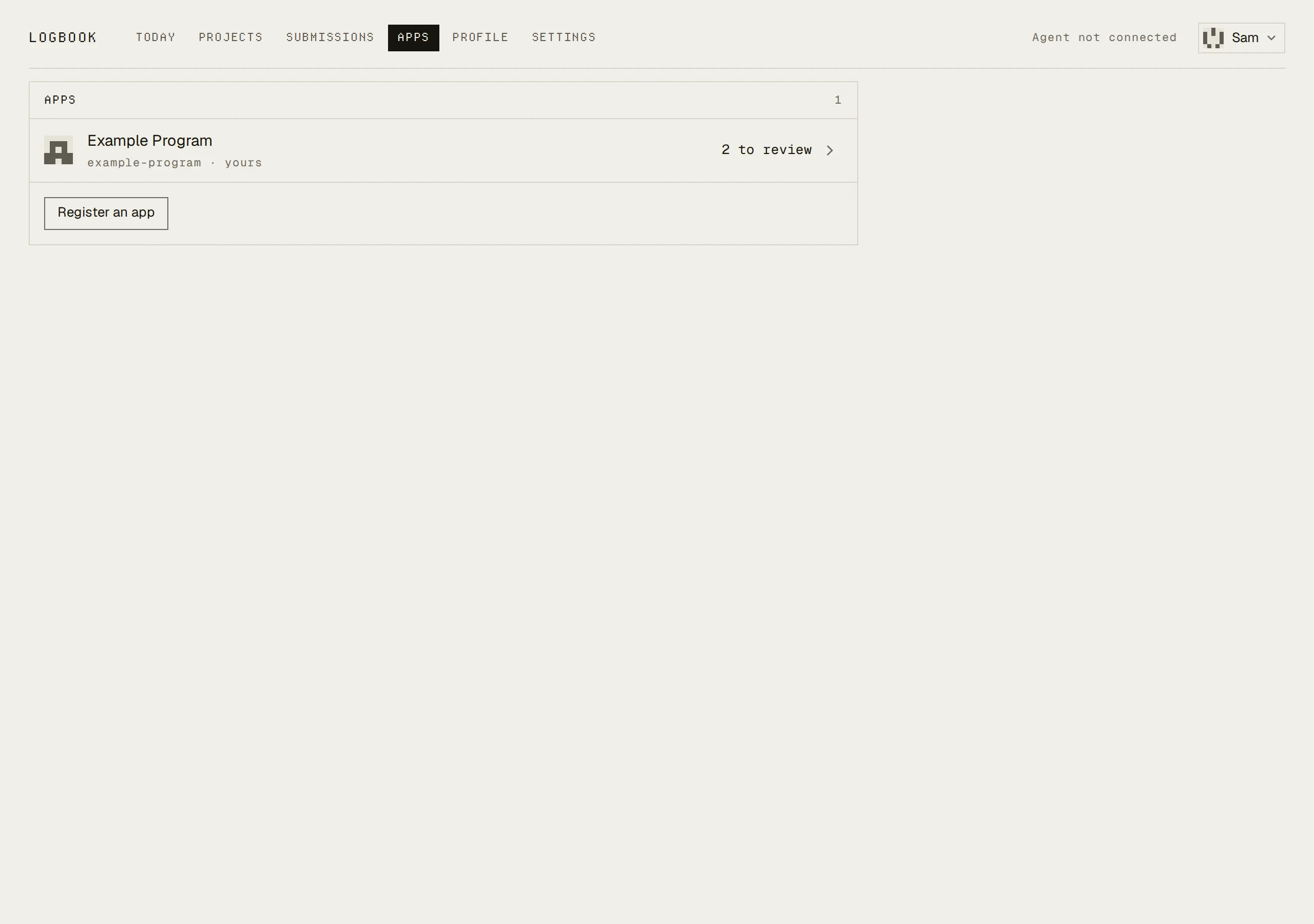
Your apps, and the apps you review for, are on the Apps page (in the account menu).
Where to start
Section titled “Where to start”| You want to | Read |
|---|---|
| Set up your program on Logbook | Register an app |
| Let volunteers review submissions | Add reviewers |
| Move an existing Hackatime integration | Switch from Hackatime |
| Sign teens in from your own site | OAuth |
| Look up an endpoint | API reference |
| Get submissions into your workflow | Receive submissions |
Reviewers who only open review links and decide don’t need any of this. Send them to the reviewers guide.