Install Logbook
You get a key on the website, then paste one line into a terminal. It takes about 2 minutes and needs no admin rights: everything goes in your own user folder.
Get your install command
Section titled “Get your install command”-
Open logbook.boogles.dev and choose Sign in with Hack Club.
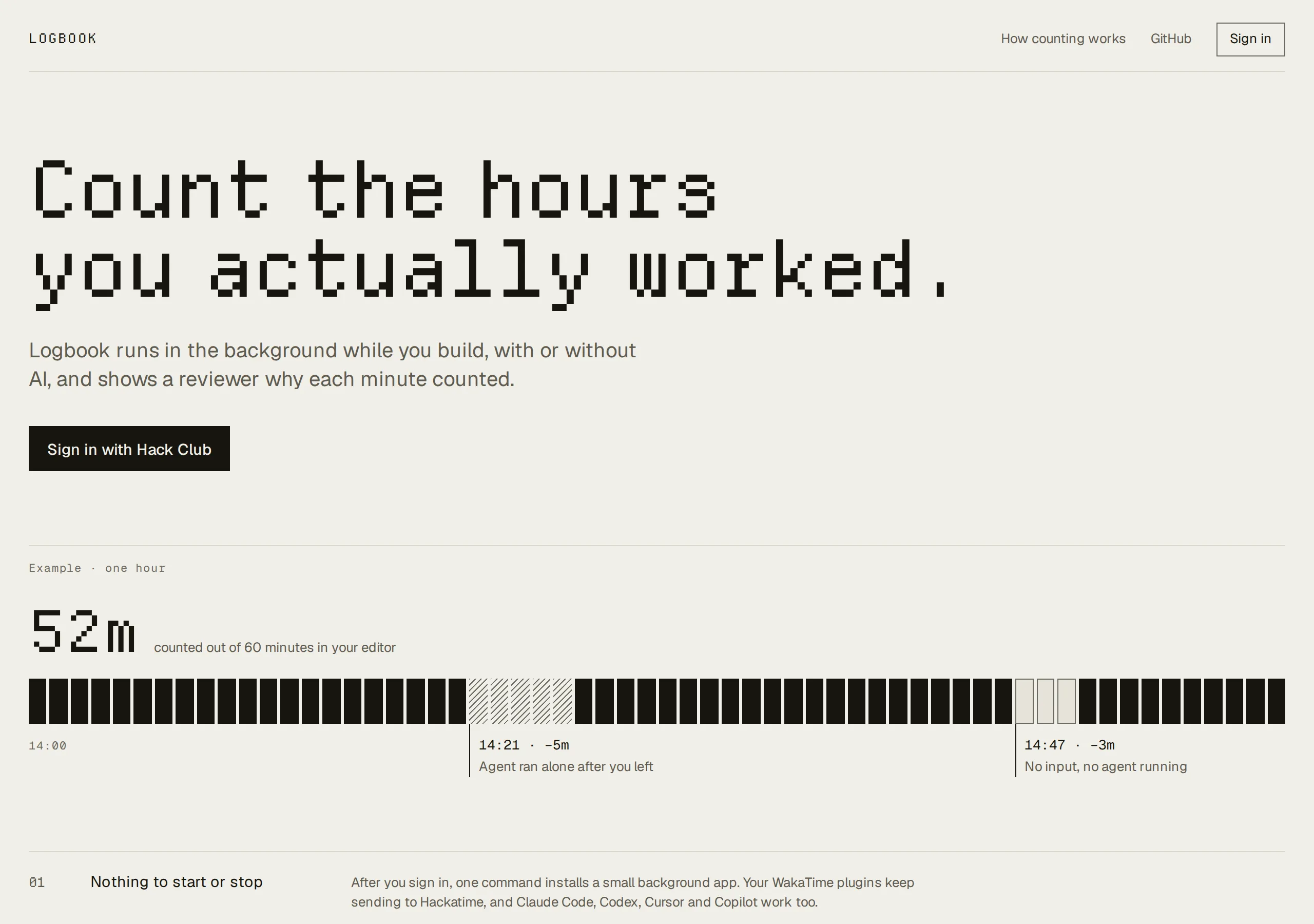
-
On the home page, choose Get my install command. This creates a key for this computer. (It’s also in Settings, under Install keys.)
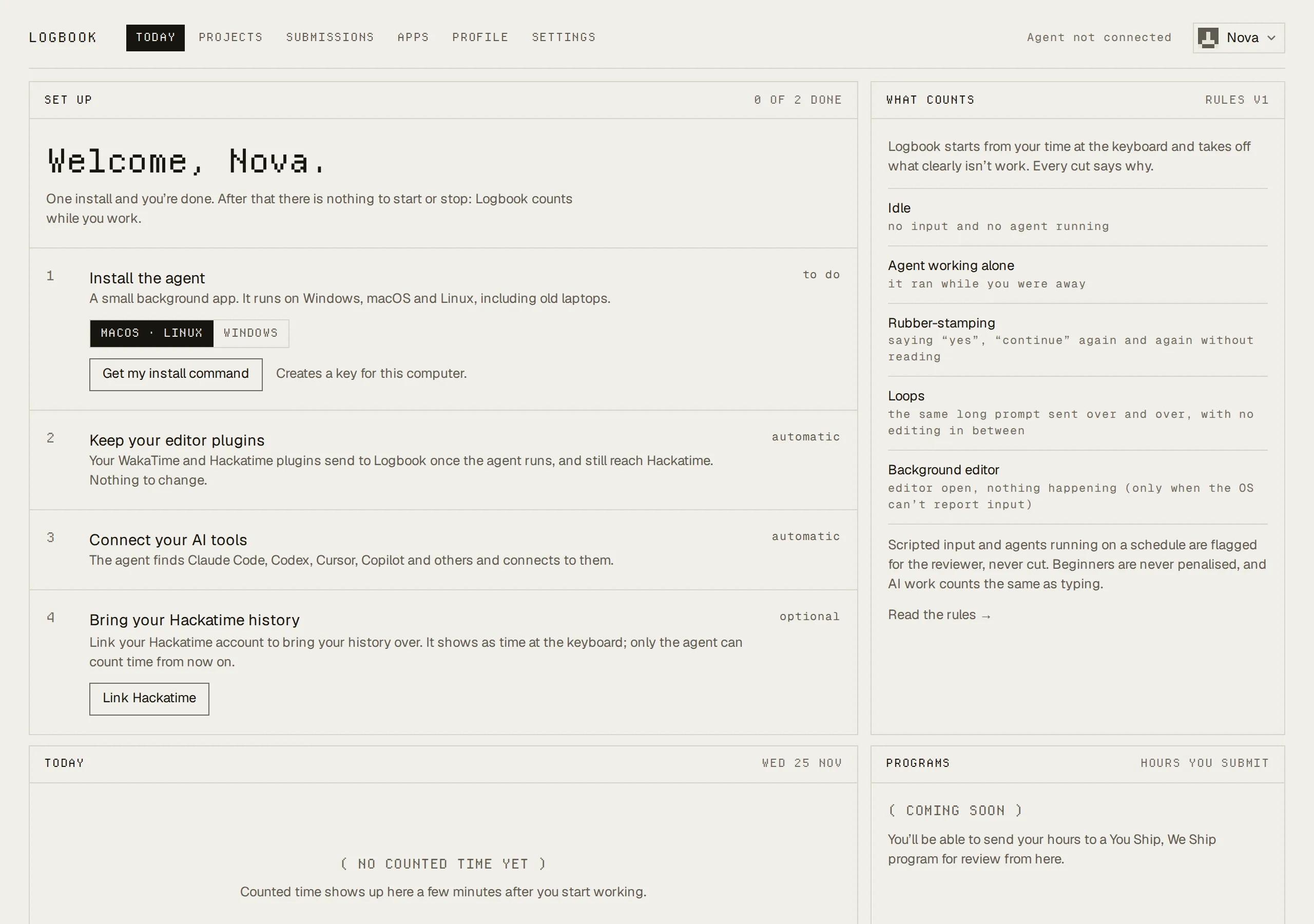
-
Pick your system (Windows, or macOS · Linux) and choose Copy. The key in the command is masked on screen, but Copy copies all of it.
The key is shown only once. Don’t paste the command anywhere public.
Run it
Section titled “Run it”Open PowerShell (not Command Prompt), paste the command and press Enter. It looks like this, with your own key:
$env:LOGBOOK_API_KEY="YOUR_KEY"; $env:LOGBOOK_SERVER="https://api.logbook.boogles.dev"; irm https://raw.githubusercontent.com/apneduniya/logbook/main/scripts/install.ps1 | iex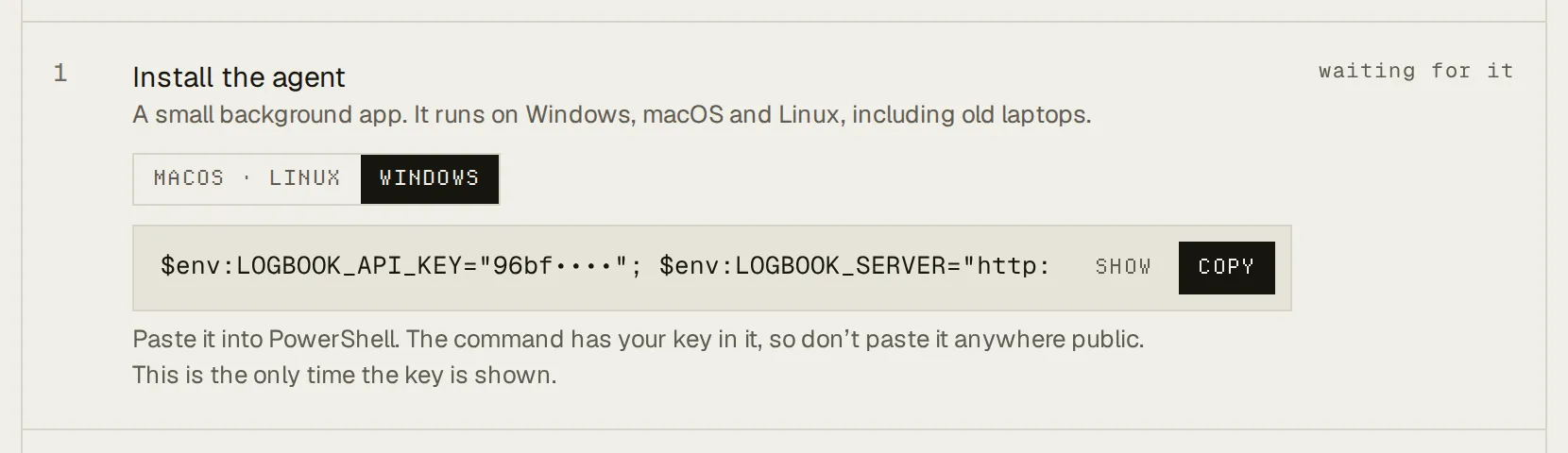
What you’ll see:
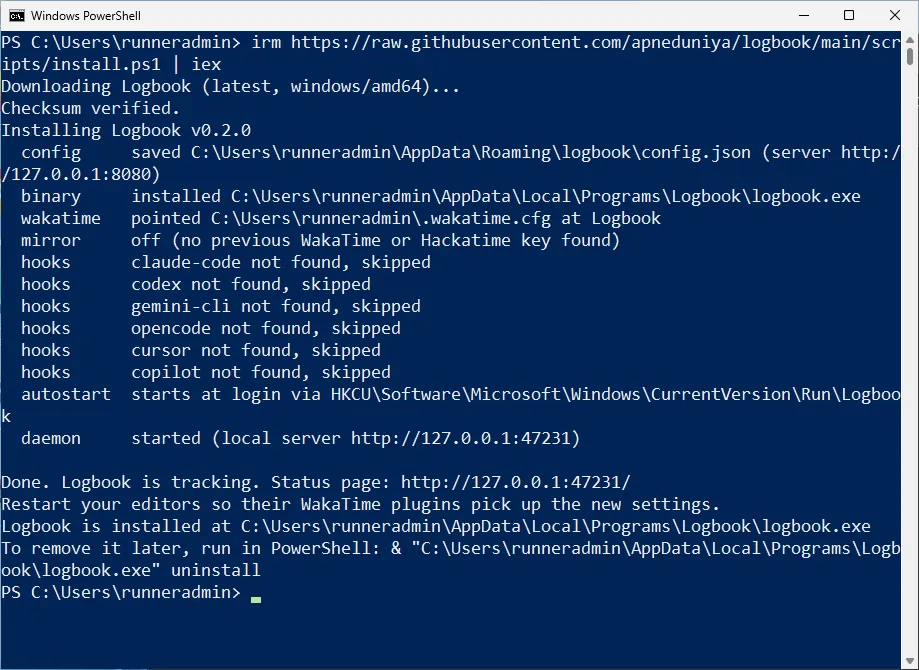
Logbook is not added to your PATH on Windows. The last lines print the full path of logbook.exe; you can always run it as & "$env:LOCALAPPDATA\Programs\Logbook\logbook.exe".
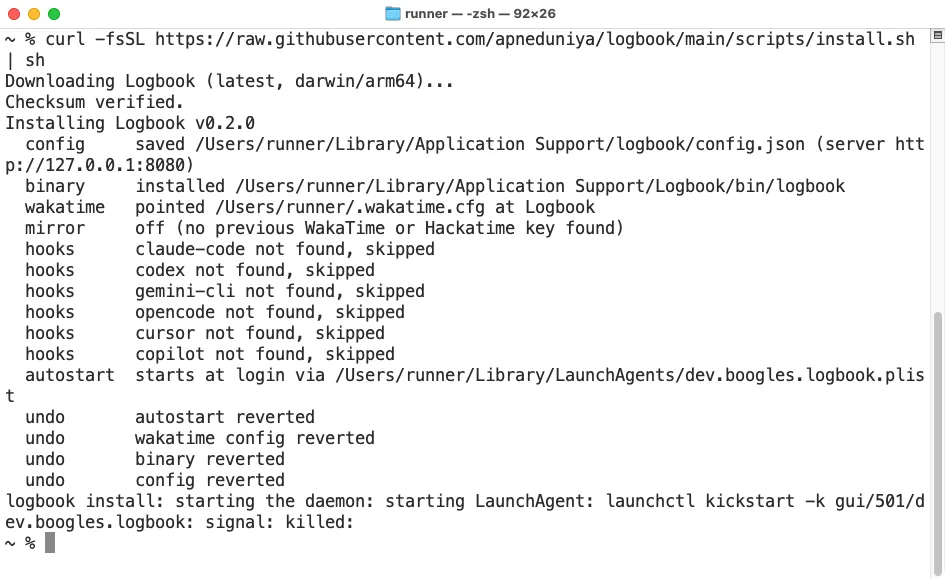
Open Terminal, paste the command and press Enter. It looks like this, with your own key:
curl -fsSL https://raw.githubusercontent.com/apneduniya/logbook/main/scripts/install.sh | LOGBOOK_API_KEY=YOUR_KEY LOGBOOK_SERVER=https://api.logbook.boogles.dev sh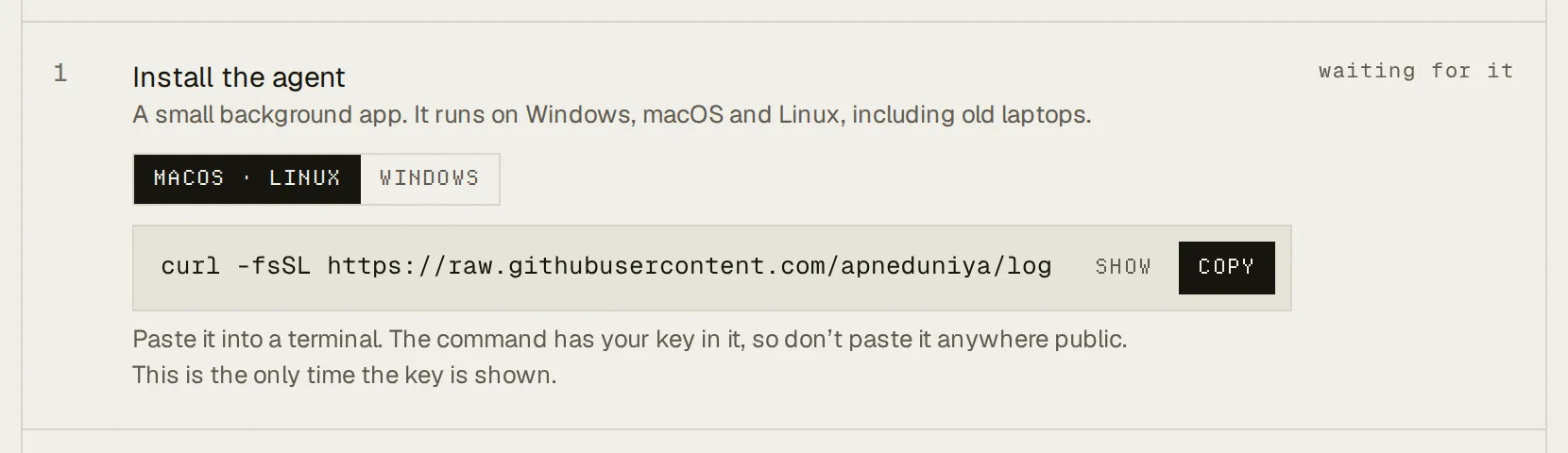
Don’t run it with sudo; the installer refuses to run as root. Logbook goes in ~/Library/Application Support/Logbook/bin, which isn’t on your PATH. The installer prints the folder to add if you want to type plain logbook.
Open a terminal, paste the command and press Enter. It looks like this, with your own key:
curl -fsSL https://raw.githubusercontent.com/apneduniya/logbook/main/scripts/install.sh | LOGBOOK_API_KEY=YOUR_KEY LOGBOOK_SERVER=https://api.logbook.boogles.dev shDon’t run it with sudo; the installer refuses to run as root. Logbook goes in ~/.local/bin/logbook. If that folder isn’t on your PATH, the installer says how to add it.
Install from your desktop session if you can. The agent then starts with your desktop, and it can tell when you’re at the keyboard.
What the installer does
Section titled “What the installer does”It downloads Logbook for your system and checks its checksum, then:
- saves your key and checks it with the server;
- points your WakaTime config (
.wakatime.cfg) at the agent, so every WakaTime or Hackatime editor plugin now sends to Logbook. Hackatime or WakaTime still gets a copy (mirroring); - connects the AI tools it finds: Claude Code, Codex, Gemini CLI, OpenCode, Cursor and Copilot (details);
- starts the agent now and at every login.
How to tell it worked
Section titled “How to tell it worked”The output ends with Done. Logbook is tracking. and a status page address, usually http://127.0.0.1:47231/. Restart your editors so their plugins pick up the new settings. Then check it works.
If the command failed, see Troubleshooting.